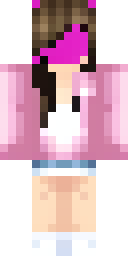
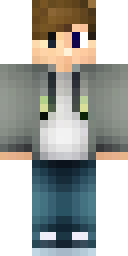
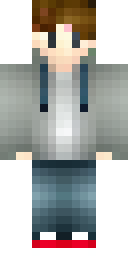
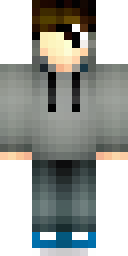
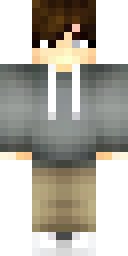
About hoodie Minecraft skins
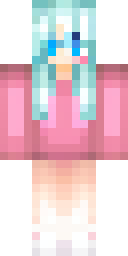
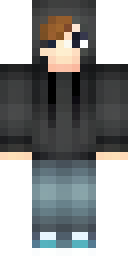
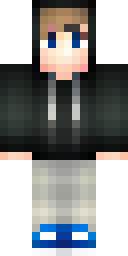
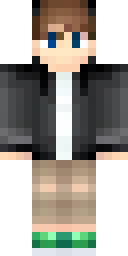
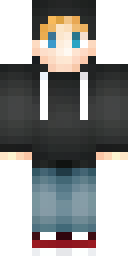
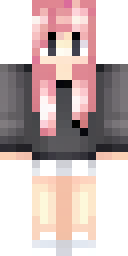
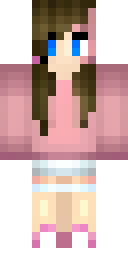
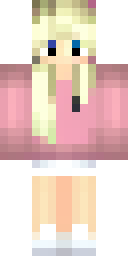
Hoodies are the most popular everyday outfit for Minecraft skins. They are easy to recognise, they work for any character and the hood looks great on the head's outer layer, either up for a mysterious look or down around the neck.
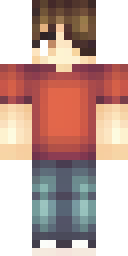
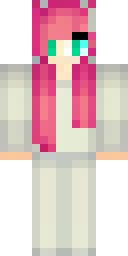
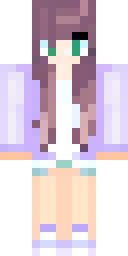
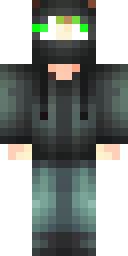
These hoodie skins were made by our AI from ideas like 'a boy in a black hoodie with the hood up' and 'a person in a tie-dye rainbow hoodie'. Each skin passed our quality check and is a free 64×64 PNG for Java or Bedrock. The fastest way to make your own: pick a hoodie colour, add one print or accessory, and press Make skins.
Hoodie skin ideas to try
Tap an idea to open it in the AI generator, change any word, and make 4 new skins.
- A boy in a black hoodie with the hood up
- A girl in an oversized pink hoodie and white shorts
- A teen in a grey hoodie with headphones
- A person in a tie-dye rainbow hoodie
- A gamer in a blue hoodie with a pixel heart print
Tips for a great hoodie skin
- Hood up = mysterious, hood down = friendly. Say which one you want.
- One print is enough: a heart, a star or a stripe across the chest.
- Headphones and caps pair well with hoodies and sit on the outer layer.
How to wear a hoodie skin
- Download the PNG from a skin above (or make your own).
- Java Edition: Minecraft Launcher → Skins → New skin → Browse → Save & Use. Full Java guide.
- Bedrock on Windows, Android or iPhone: Dressing Room → Classic Skins → Owned → Import. Full Bedrock guide.
- Pick classic or slim arms to match. Not sure? Read slim vs classic arms.
Hoodie skin questions
How do I get a hoodie skin with the hood up?
Add 'with the hood up' to your idea. The hood is drawn on the head's outer layer so it covers the hair.
Can I change my hoodie's colour?
Yes. Open the skin in our free editor, use fill on the hoodie parts and download the new version.
Are hoodie skins free?
Yes, every skin in this gallery is free to download and use in your own game.