How this gallery is made
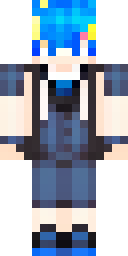
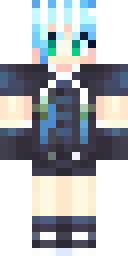
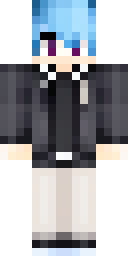
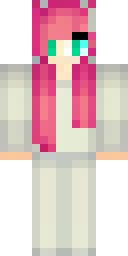
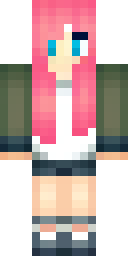
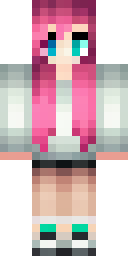
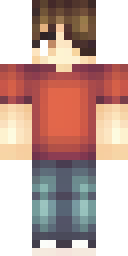
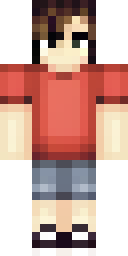
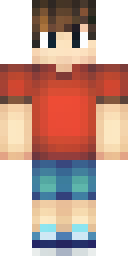
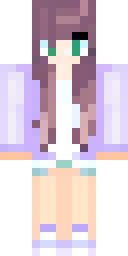
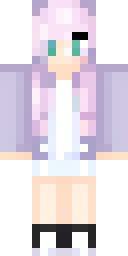
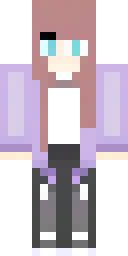
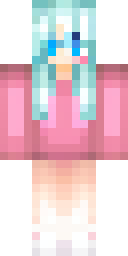
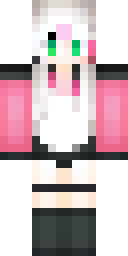
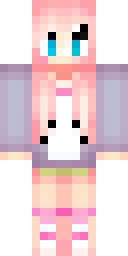
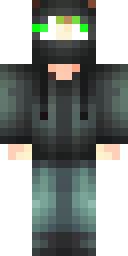
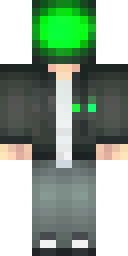
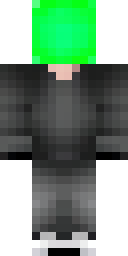
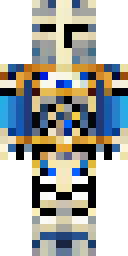
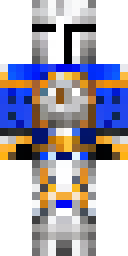
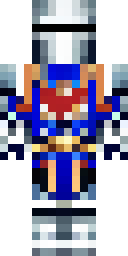
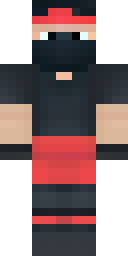
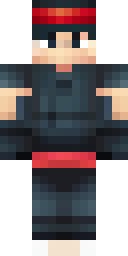
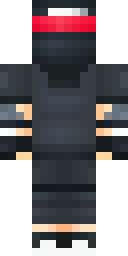
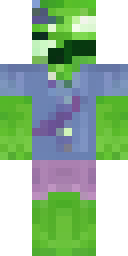
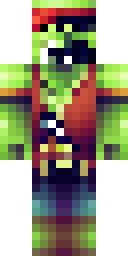
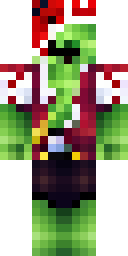
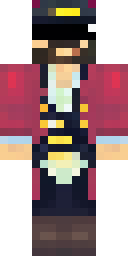
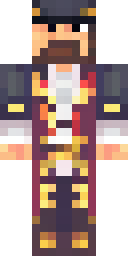
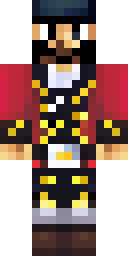
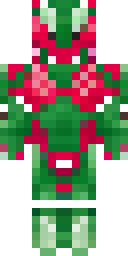
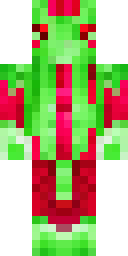
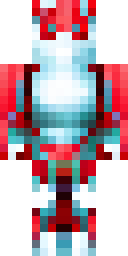
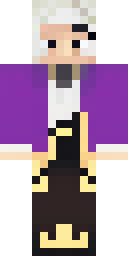
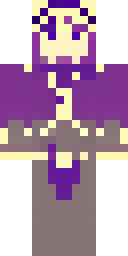
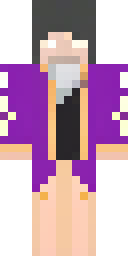
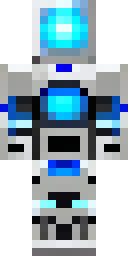
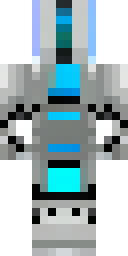
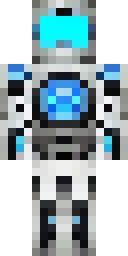
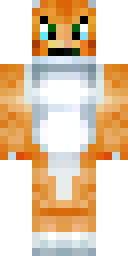
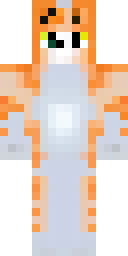
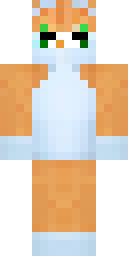
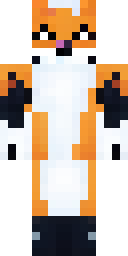
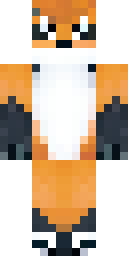
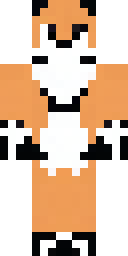
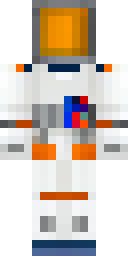
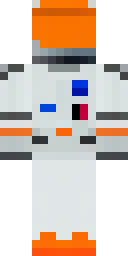
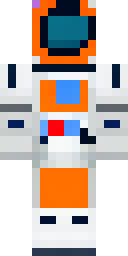
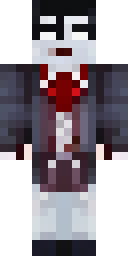
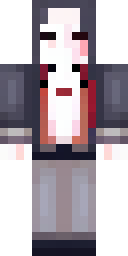
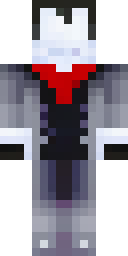
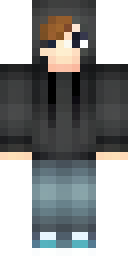
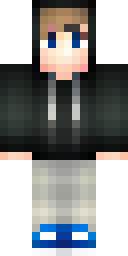
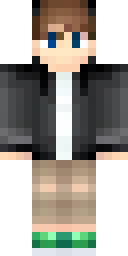
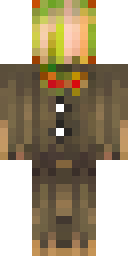
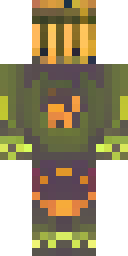
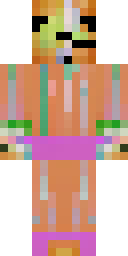
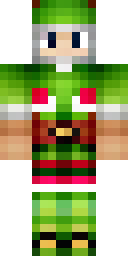
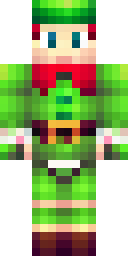
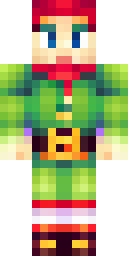
Each theme starts from a handful of ideas, like “a medieval knight in shining silver armor with a blue cape”. Our AI, an open image model trained on the Minecraft skin layout, draws several skins for each idea. Our own code then turns each drawing into a clean 64×64 PNG and checks it: skins with a flat face, a one-colour body or noisy speckles are thrown away. Only the skins that pass are shown here.
That means every skin in the gallery is real and wearable. Tap Try on to see it on a 3D player, Download to save the PNG, or Make one like this to send its idea to the generator and create your own version. You can also open any skin in the free skin editor and change colours pixel by pixel.
Use a skin in Minecraft
All skins are standard 64×64 PNG files. In Java Edition, upload them in the Minecraft Launcher's Skins tab (Java guide). In Bedrock on Windows, Android or iPhone, import them in the Dressing Room (Bedrock guide). Need inspiration first? See our Minecraft skin ideas.
Gallery questions
Where do these skins come from?
Every skin in this gallery was made by the MinecraftSkin.app AI from a short idea, then checked by our quality filter. They are original designs, not copies of other players' skins or Mojang's art.
Are the skins free to download?
Yes. Every gallery skin is free to download and use in your own Minecraft game, on Java or Bedrock. No account needed.
Can I make a skin that is not in the gallery?
Yes. Type any idea into the AI generator and get 4 new skins; your first 4 are free. Or paint one yourself in the free skin editor.
How often are new themes added?
We add new themes regularly, each with at least 12 real skins made and checked by our AI.