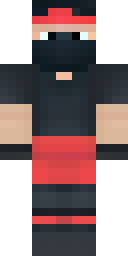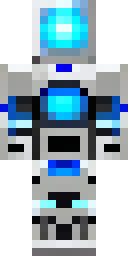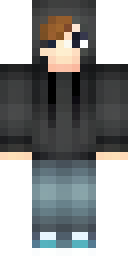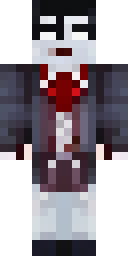
About cool Minecraft skins
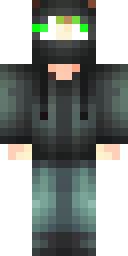
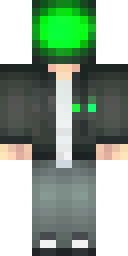
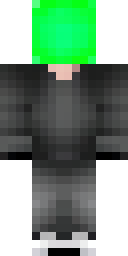
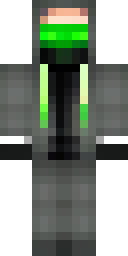
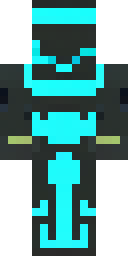
What makes a skin cool? Usually a dark base colour, one bright accent that glows (neon blue, toxic green, hot red) and a detail that hides part of the face, like a mask, a visor or a hood. Those three ingredients stand out in any Minecraft world, day or night.
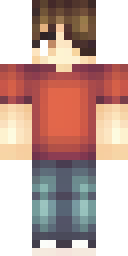
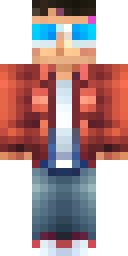
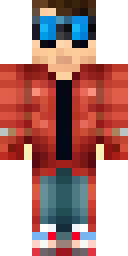
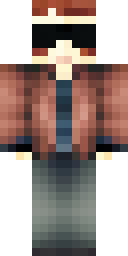
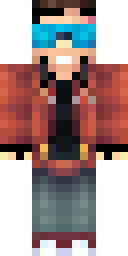
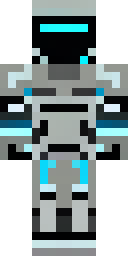
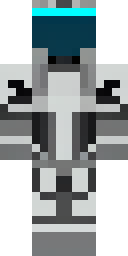
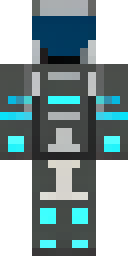
The cool skins on this page were drawn by our AI from ideas like 'a hacker in a black hoodie with green glowing eyes' and 'a cyber soldier with a neon blue visor'. Each one was quality-checked and is free to download as a 64×64 PNG for Java or Bedrock. Found one you almost love? Press 'Make one like this' and change the colour.
Cool skin ideas to try
Tap an idea to open it in the AI generator, change any word, and make 4 new skins.
- A cool hacker in a black hoodie with green glowing eyes
- A cool street racer in a red leather jacket and sunglasses
- A cool cyber soldier with a neon blue visor
- A cool masked hero with a dark purple suit
- A cool shadow assassin with a white mask
Tips for a great cool skin
- Dark base + one neon accent is the classic cool formula.
- Masks, visors and hoods add mystery and sit on the outer layer, so they stand out in 3D.
- Try 'glowing eyes': a small bright detail on a dark face is very visible in-game.
How to wear a cool skin
- Download the PNG from a skin above (or make your own).
- Java Edition: Minecraft Launcher → Skins → New skin → Browse → Save & Use. Full Java guide.
- Bedrock on Windows, Android or iPhone: Dressing Room → Classic Skins → Owned → Import. Full Bedrock guide.
- Pick classic or slim arms to match. Not sure? Read slim vs classic arms.
Cool skin questions
What colours make a Minecraft skin look cool?
Black, dark grey or navy with one bright accent colour, like neon blue, green or red. The contrast makes the accent pop.
Can I make my skin glow in the dark?
Skins can't really glow in Minecraft, but bright colours on a dark skin look like they glow, especially at night.
Can I edit a cool skin after downloading?
Yes. Open it in our free editor to change colours, add a mask or paint new details, with a live 3D preview.