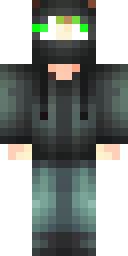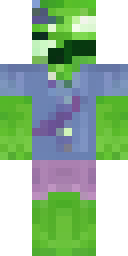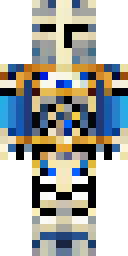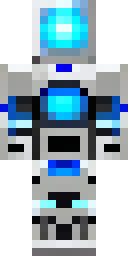


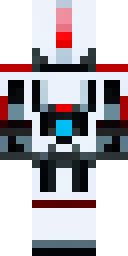
About robot Minecraft skins
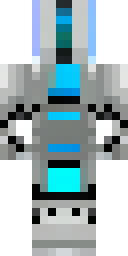
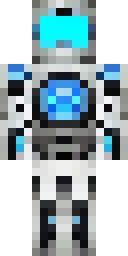
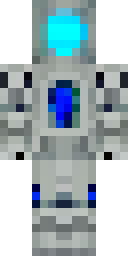
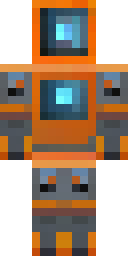
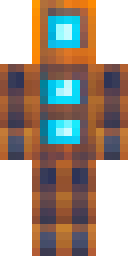
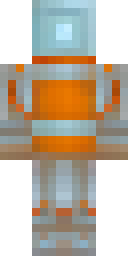
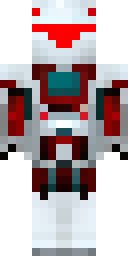
Robot skins fit redstone builders perfectly. Metal panels, bolts, glowing eyes and a screen for a face all look sharp on a pixel grid, because robots are already made of straight lines and blocks, just like Minecraft.
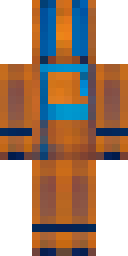
Our AI made these robot skins from ideas like 'a silver robot with glowing blue eyes' and 'a rusty orange robot with bolts'. Every skin was quality-checked, and every one is a free 64×64 PNG you can wear in Java or Bedrock. Tip for redstone fans: match your robot's glow colour to your builds, red for redstone or cyan for copper and sculk.
Robot skin ideas to try
Tap an idea to open it in the AI generator, change any word, and make 4 new skins.
- A silver robot with glowing blue eyes
- A rusty orange robot with bolts
- A white and red mech pilot robot
- A green circuit board robot with a screen face
- A tiny cleaning robot with a round head
Tips for a great robot skin
- Choose the metal (silver, gold, rusty, white plastic) and the glow colour.
- 'Screen face' gives a fun robot with pixel eyes on a monitor.
- Add a job: 'a construction robot' or 'a chef robot' for a unique design.
How to wear a robot skin
- Download the PNG from a skin above (or make your own).
- Java Edition: Minecraft Launcher → Skins → New skin → Browse → Save & Use. Full Java guide.
- Bedrock on Windows, Android or iPhone: Dressing Room → Classic Skins → Owned → Import. Full Bedrock guide.
- Pick classic or slim arms to match. Not sure? Read slim vs classic arms.
Robot skin questions
What is a good robot skin idea?
Pick a metal, a glow colour and a job, like 'a gold robot butler with green eyes'. The AI makes up to 4 options.
Can I add lights to my robot skin?
Skins can't emit real light, but bright pixels on a dark metal body look like lights, especially at night.
Do robot skins work in Java Edition?
Yes. Download the PNG and upload it in the Minecraft Launcher's Skins tab.