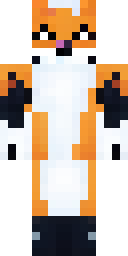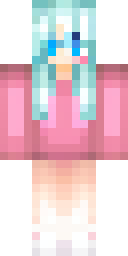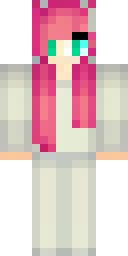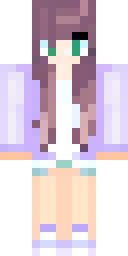
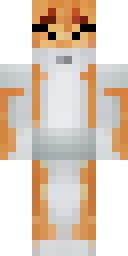
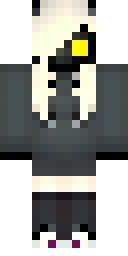
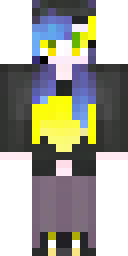
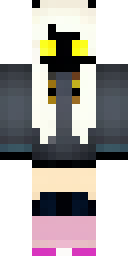
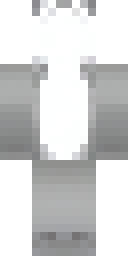
About cat Minecraft skins
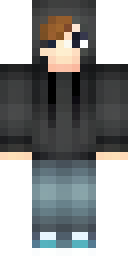
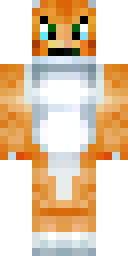
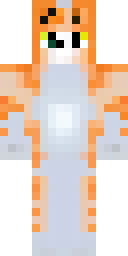
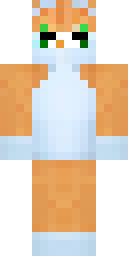
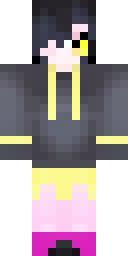
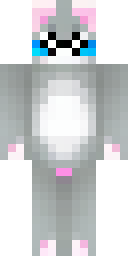
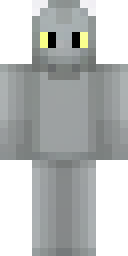
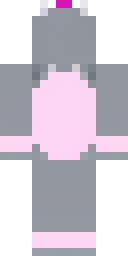
Cat skins come in two styles: a full cat (fur colour everywhere, a cat face, stripes or spots) or a person in a cat hoodie or onesie with ears on top. Both look adorable in Minecraft, and the ears sit on the outer layer of the head so they stand out.
These cat Minecraft skins were made by our AI from ideas like 'an orange tabby cat person with a white chest' and 'a grey kitten onesie with pink ears'. Each is a quality-checked PNG, free to download for Java or Bedrock. Want a skin that looks like your own pet? Describe its fur colour and markings, and the AI does the rest.
Cat skin ideas to try
Tap an idea to open it in the AI generator, change any word, and make 4 new skins.
- An orange tabby cat person with a white chest
- A black cat girl with yellow eyes and a hoodie
- A grey kitten onesie with pink ears
- A calico cat with a blue collar
- A siamese cat with a brown face and blue eyes
Tips for a great cat skin
- Describe your real cat: fur colour, markings and eye colour.
- 'Cat hoodie' or 'cat onesie' gives a person with ears; 'cat person' gives a furry look.
- Short ideas work best: colour, pattern, one accessory.
How to wear a cat skin
- Download the PNG from a skin above (or make your own).
- Java Edition: Minecraft Launcher → Skins → New skin → Browse → Save & Use. Full Java guide.
- Bedrock on Windows, Android or iPhone: Dressing Room → Classic Skins → Owned → Import. Full Bedrock guide.
- Pick classic or slim arms to match. Not sure? Read slim vs classic arms.
Cat skin questions
Can I make a skin that looks like my cat?
Yes. Describe the fur colour, pattern and eye colour, for example 'a grey and white cat with green eyes', and pick your favourite of the 4 results.
Is a cat skin the same as a Minecraft cat?
No. These skins are for your player, so the cat stands on two legs with the normal player shape.
Are cat skins free to download?
Yes. Every skin in this gallery is free to download and use in your own game.