


About fox Minecraft skins
Foxes are one of the most loved animals in Minecraft, so fox skins are a natural favourite. The classic look is orange fur with a white chest and black paws, but snowy arctic foxes and dark 'shadow' foxes look amazing too, especially in the matching biome.
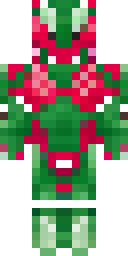
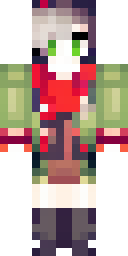
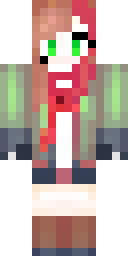
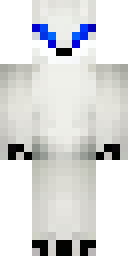
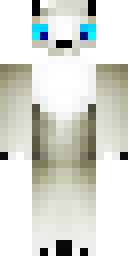
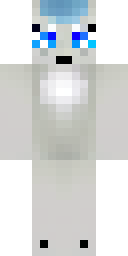
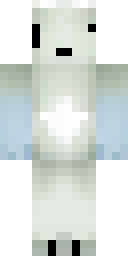
Every fox skin below was drawn by our AI from ideas like 'an orange fox with a white chest and black paws' and 'an arctic white fox with blue eyes', and passed our quality check. Download any of them as a free 64×64 PNG for Java or Bedrock. For a snowy base, try the arctic fox; for a cherry grove, ask for a pink scarf.
Fox skin ideas to try
Tap an idea to open it in the AI generator, change any word, and make 4 new skins.
- An orange fox with a white chest and black paws
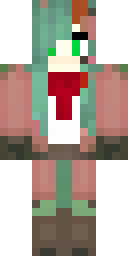
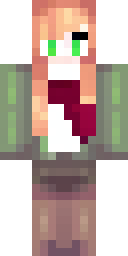
- A fox girl with a red scarf and a green jacket
- An arctic white fox with blue eyes
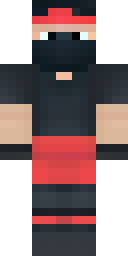
- A fox ninja with a dark red scarf
- A fox explorer with a brown backpack
Tips for a great fox skin
- Classic fox = orange + white chest + black paws. Say all three.
- Match your world: arctic fox for snowy biomes, red fox for taiga.
- Add one accessory, like a scarf or a backpack, for your own twist.
How to wear a fox skin
- Download the PNG from a skin above (or make your own).
- Java Edition: Minecraft Launcher → Skins → New skin → Browse → Save & Use. Full Java guide.
- Bedrock on Windows, Android or iPhone: Dressing Room → Classic Skins → Owned → Import. Full Bedrock guide.
- Pick classic or slim arms to match. Not sure? Read slim vs classic arms.
Fox skin questions
What colours does a fox skin need?
Orange fur, a white chest and face patch, and black paws. For a snowy fox, use white and light grey.
Can I get a tail on my fox skin?
Skins can't add a real tail, because they only colour the player's shape. You can paint the tail pattern on the back.
Do fox skins work on Bedrock mobile?
Yes. Import the PNG in the Dressing Room on Android or iPhone.