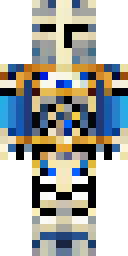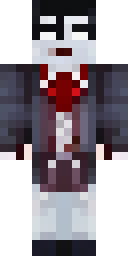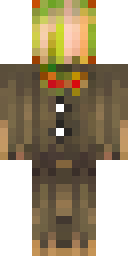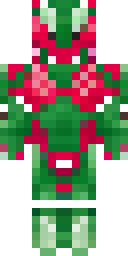

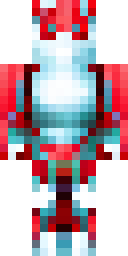
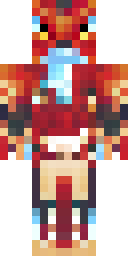

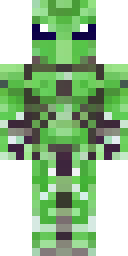
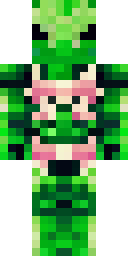




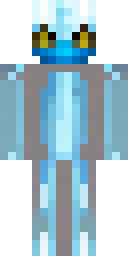
About dragon Minecraft skins
Dragon skins turn your player into a scaly warrior or a dragon rider. The best ones use a strong main colour (red, ice blue, black, gold), a scale pattern on the body and horns on the head's outer layer. Wings can't flap on a skin, but painted wing shapes on the back still look great in third person.
Each dragon skin on this page was drawn by our AI from ideas like 'a red dragon warrior with scales and horns' and 'a blue ice dragon humanoid with white horns', then checked by our quality filter. Download the 64×64 PNG free for Java or Bedrock, or press 'Make one like this' to hatch your own colour.
Dragon skin ideas to try
Tap an idea to open it in the AI generator, change any word, and make 4 new skins.
- A red dragon warrior with scales and horns
- A dragon rider in green armor with dragon scale shoulders
- A blue ice dragon humanoid with white horns
- A black dragon knight with purple glowing eyes
- A baby dragon onesie in orange
Tips for a great dragon skin
- Pick one element and colour: fire red, ice blue, poison green or void black.
- Say 'horns' to get shapes on the head's outer layer.
- Skins can't add real wings; a painted cape or wing pattern on the back is the trick.
How to wear a dragon skin
- Download the PNG from a skin above (or make your own).
- Java Edition: Minecraft Launcher → Skins → New skin → Browse → Save & Use. Full Java guide.
- Bedrock on Windows, Android or iPhone: Dressing Room → Classic Skins → Owned → Import. Full Bedrock guide.
- Pick classic or slim arms to match. Not sure? Read slim vs classic arms.
Dragon skin questions
Can a Minecraft skin have real wings?
No. A skin only colours the normal player shape. You can paint wings on the back, and in-game you can wear elytra, which show your cape if you have one.
What is a good dragon skin idea?
Pick an element (fire, ice, shadow) and a colour, then add horns and scales, for example 'a shadow dragon warrior with purple horns'.
Do dragon skins work on phones?
Yes. Bedrock on Android and iPhone can import the PNG in the Dressing Room.