About vampire Minecraft skins
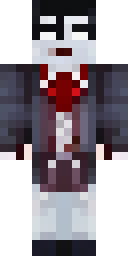
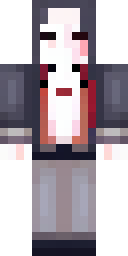
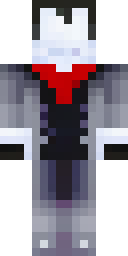
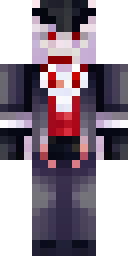
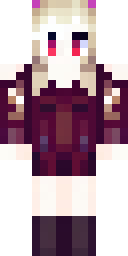
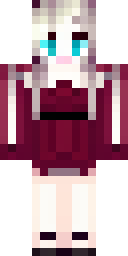
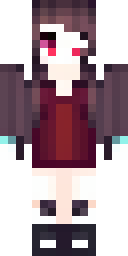
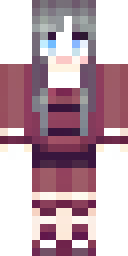
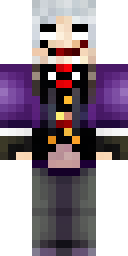
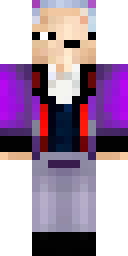
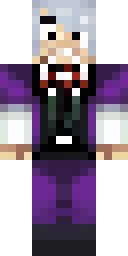
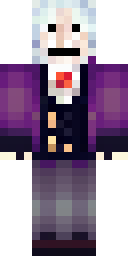
Vampire skins combine elegant clothes with a spooky twist: pale skin, red eyes, a tall-collared cape and dark reds and purples. They are a favourite for Halloween servers and for night-time survival, when that pale face really stands out.
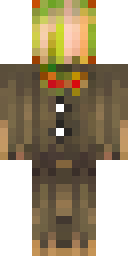
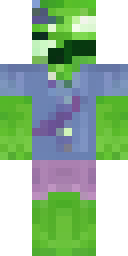
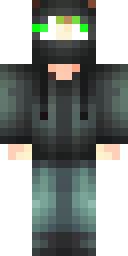
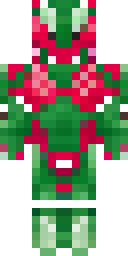
Our AI made these vampire Minecraft skins from ideas like 'a vampire in a black cape with a red collar' and 'a modern vampire in a black leather jacket with red eyes'. Every skin was checked for a clean face and is a free 64×64 PNG for Java or Bedrock. They are spooky but not gory, so they fit family-friendly servers too.
Vampire skin ideas to try
Tap an idea to open it in the AI generator, change any word, and make 4 new skins.
- A vampire in a black cape with a red collar
- A vampire girl in a dark red dress with pale skin
- A vampire count with a purple vest and white hair
- A modern vampire in a black leather jacket with red eyes
- A vampire bat hoodie in black and red
Tips for a great vampire skin
- Pale skin + red eyes + dark clothes is the classic vampire formula.
- A tall collar or cape shows best on the back and shoulders.
- Keep it spooky, not scary: our idea filter keeps skins OK for everyone.
How to wear a vampire skin
- Download the PNG from a skin above (or make your own).
- Java Edition: Minecraft Launcher → Skins → New skin → Browse → Save & Use. Full Java guide.
- Bedrock on Windows, Android or iPhone: Dressing Room → Classic Skins → Owned → Import. Full Bedrock guide.
- Pick classic or slim arms to match. Not sure? Read slim vs classic arms.
Vampire skin questions
What makes a good vampire skin?
Pale skin, red eyes and dark, fancy clothes (black, red, purple). A cape or tall collar finishes the look.
Are vampire skins OK for younger kids?
Ours are spooky-cute rather than gory: no blood or scary gore, just capes, colours and red eyes.
Can I wear a vampire skin on Halloween servers?
Yes. Any server that allows custom skins will show it.