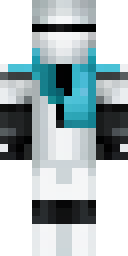
About ninja Minecraft skins
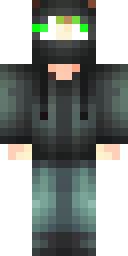
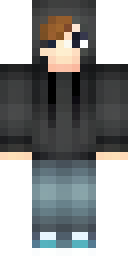
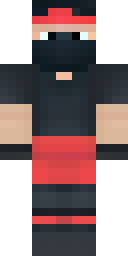
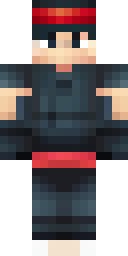
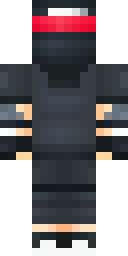
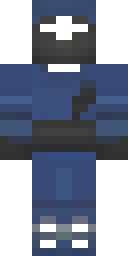
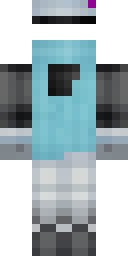
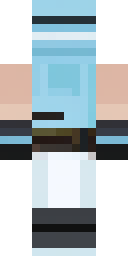
Ninja skins are perfect for PvP and parkour players: a dark outfit that is hard to spot, a mask that covers the face and one bright detail like a headband or scarf. In Minecraft's small pixel grid, that simple design stays readable while still looking mysterious.
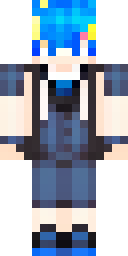
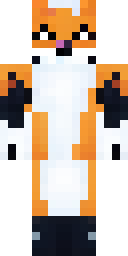
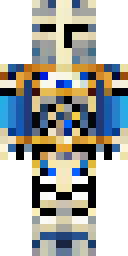
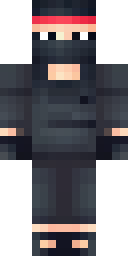
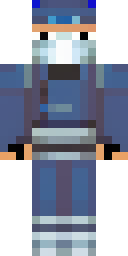
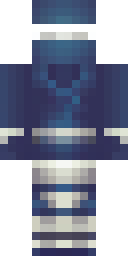
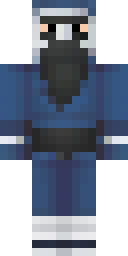
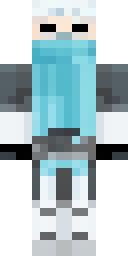
The ninjas on this page were made by our AI from ideas like 'a ninja in a black outfit with a red headband' and 'a white snow ninja with an ice blue scarf'. Each is a quality-checked 64×64 skin, free to download for Java or Bedrock. Want your own clan? Make one ninja you like, then press 'Make one like this' and change only the colour for each friend.
Ninja skin ideas to try
Tap an idea to open it in the AI generator, change any word, and make 4 new skins.
- A ninja in a black outfit with a red headband
- A ninja in dark blue with a silver mask
- A white snow ninja with an ice blue scarf
- A green shadow ninja with two katanas
- A fox ninja with a dark red scarf
Tips for a great ninja skin
- Start with the outfit colour, then add one accent: 'black ninja with a gold headband'.
- Make a team: same idea, different accent colour for each friend.
- Swords are painted on the back; in-game, the sword you hold is separate from the skin.
How to wear a ninja skin
- Download the PNG from a skin above (or make your own).
- Java Edition: Minecraft Launcher → Skins → New skin → Browse → Save & Use. Full Java guide.
- Bedrock on Windows, Android or iPhone: Dressing Room → Classic Skins → Owned → Import. Full Bedrock guide.
- Pick classic or slim arms to match. Not sure? Read slim vs classic arms.
Ninja skin questions
What is a good ninja skin for PvP?
Dark colours with small bright accents. They are harder to spot in dark areas and still look sharp up close.
Can I make ninja skins for my whole team?
Yes. Use one idea and change only the colour for each player. Each idea gives up to 4 options.
Do ninja skins work on Bedrock?
Yes. Import the PNG in the Dressing Room on Windows, Android or iPhone.