



About Steve Minecraft skins
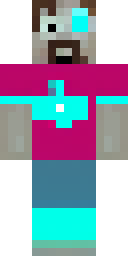
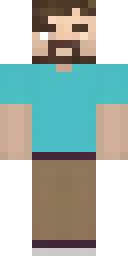
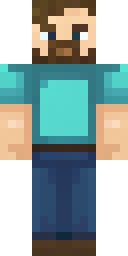
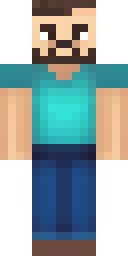
Steve is the face most people picture when they hear the word Minecraft. The character comes from Zombie Town, a game Notch worked on before Minecraft, and has been the default skin from the very start. On the Minecraft Wiki, Steve is described with a cyan shirt with cuffs, dark blue pants, grey shoes and a short beard, a look that returned to the game in Java Edition 1.19.3 after years without the beard.
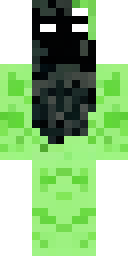
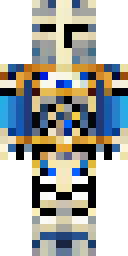
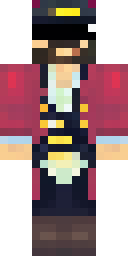
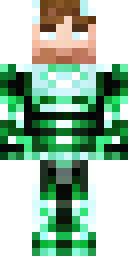
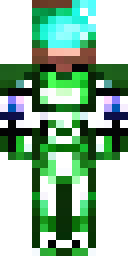
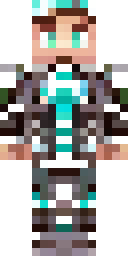
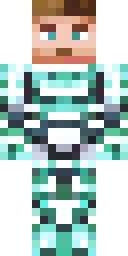
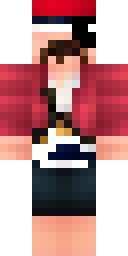
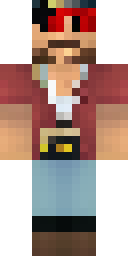
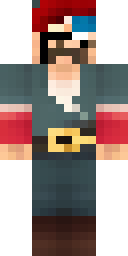
Because everyone knows Steve, he is the perfect base for a remix. Our AI kept the classic colours in some skins and pushed others into new roles: shining diamond armor, a pirate with a red bandana and an eye patch, and a smart black suit with a red tie. Every skin here is an original 64×64 PNG made on this site, so you can wear it on Java or Bedrock without copying anyone else's work.
Steve skin ideas to try
Tap an idea to open it in the AI generator, change any word, and make 4 new skins.
- Steve as a firefighter with a yellow helmet
- Steve in netherite armor with a purple glow
- Steve as a chef with a white hat
- Steve in a hawaiian shirt and sunglasses
- Steve as an astronaut in a white space suit
Tips for a great Steve skin
- Keep 'cyan shirt' and 'dark blue pants' in your idea if you want people to recognise Steve at a glance.
- Give Steve a job or an outfit (pirate, chef, knight): the remix is what makes your skin different from the default one.
- Steve uses classic arms. Choose Classic (wide) when you upload, or the shirt cuffs look cut off.
How do I wear a Steve skin in Minecraft?
- Download the PNG from a skin above (or make your own).
- Java Edition: Minecraft Launcher → Skins → New skin → Browse → Save & Use. Full Java guide.
- Bedrock on Windows, Android or iPhone: Dressing Room → Classic Skins → Owned → Import. Full Bedrock guide.
- Pick classic or slim arms to match. Not sure? Read slim vs classic arms.
Steve skin questions
Can I download the original Steve skin here?
No. The default Steve texture belongs to Mojang and is already in your game. Here you get new, AI-made Steve remixes you can download free.
Is Steve a boy?
Notch has said the Minecraft player model was meant to be a generic human. Steve is usually drawn with a beard, but you can make any version you like.
How do I make my own Steve skin?
Type an idea like 'steve as a firefighter' into the AI generator, or open a Steve skin from this page in the editor and repaint it.
Sources
Checked against these pages on 2026-10-01.